R1HIM
Developer

Proyectos

Me llamo Oleg Rakhimov (R1HIM). Aquí están mis proyectos, materiales (vídeos/capturas/PDF) y contactos.

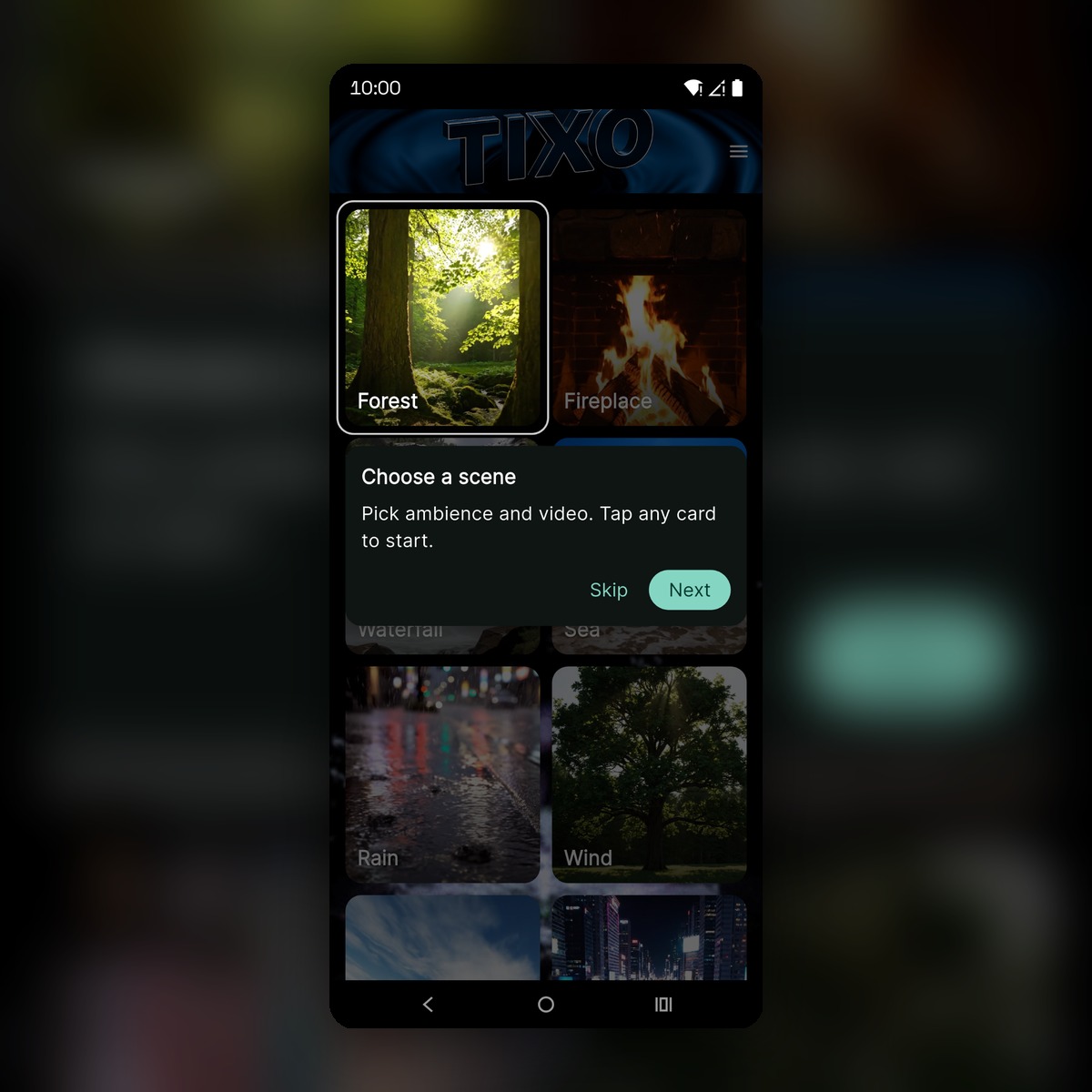
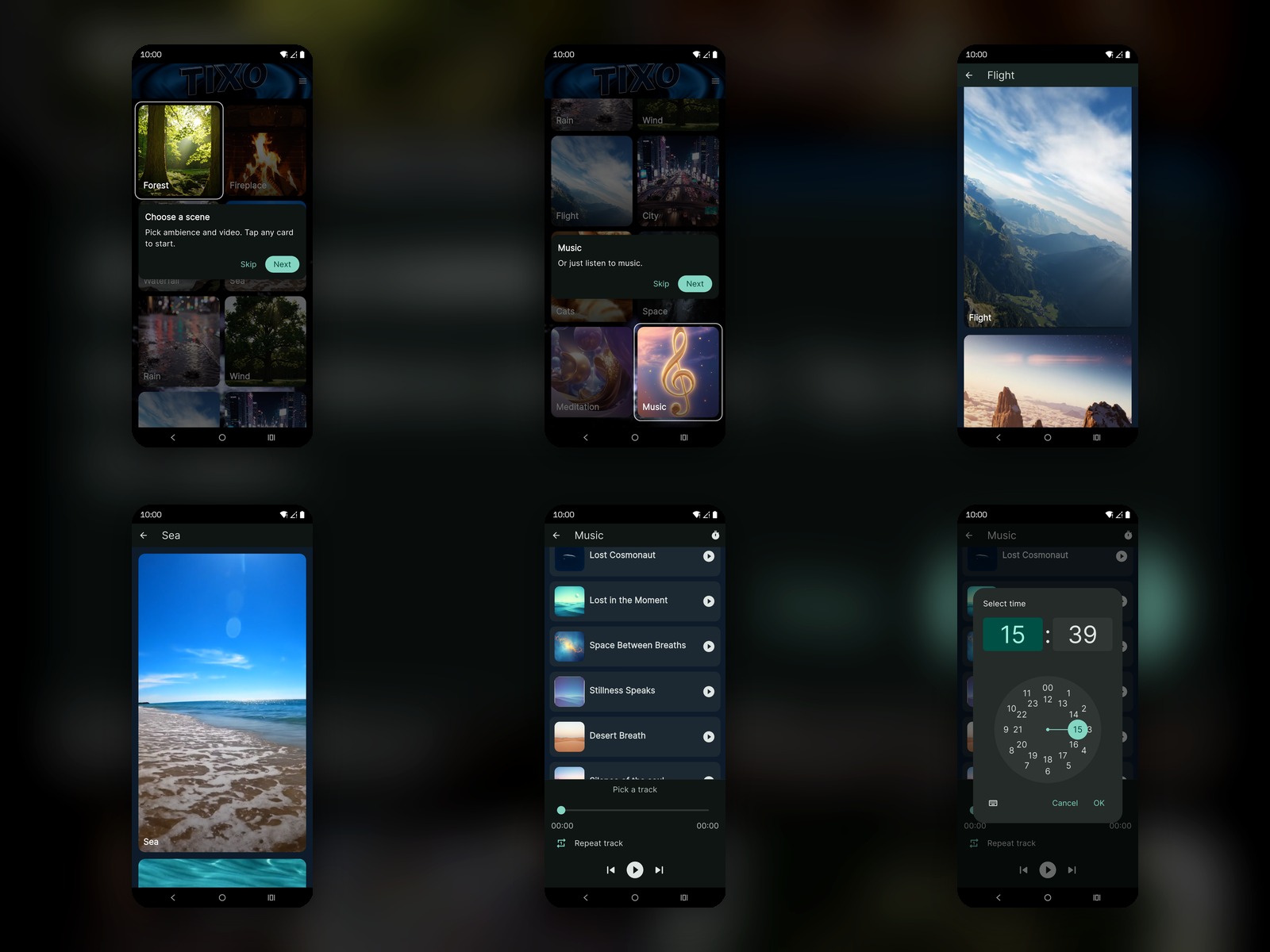
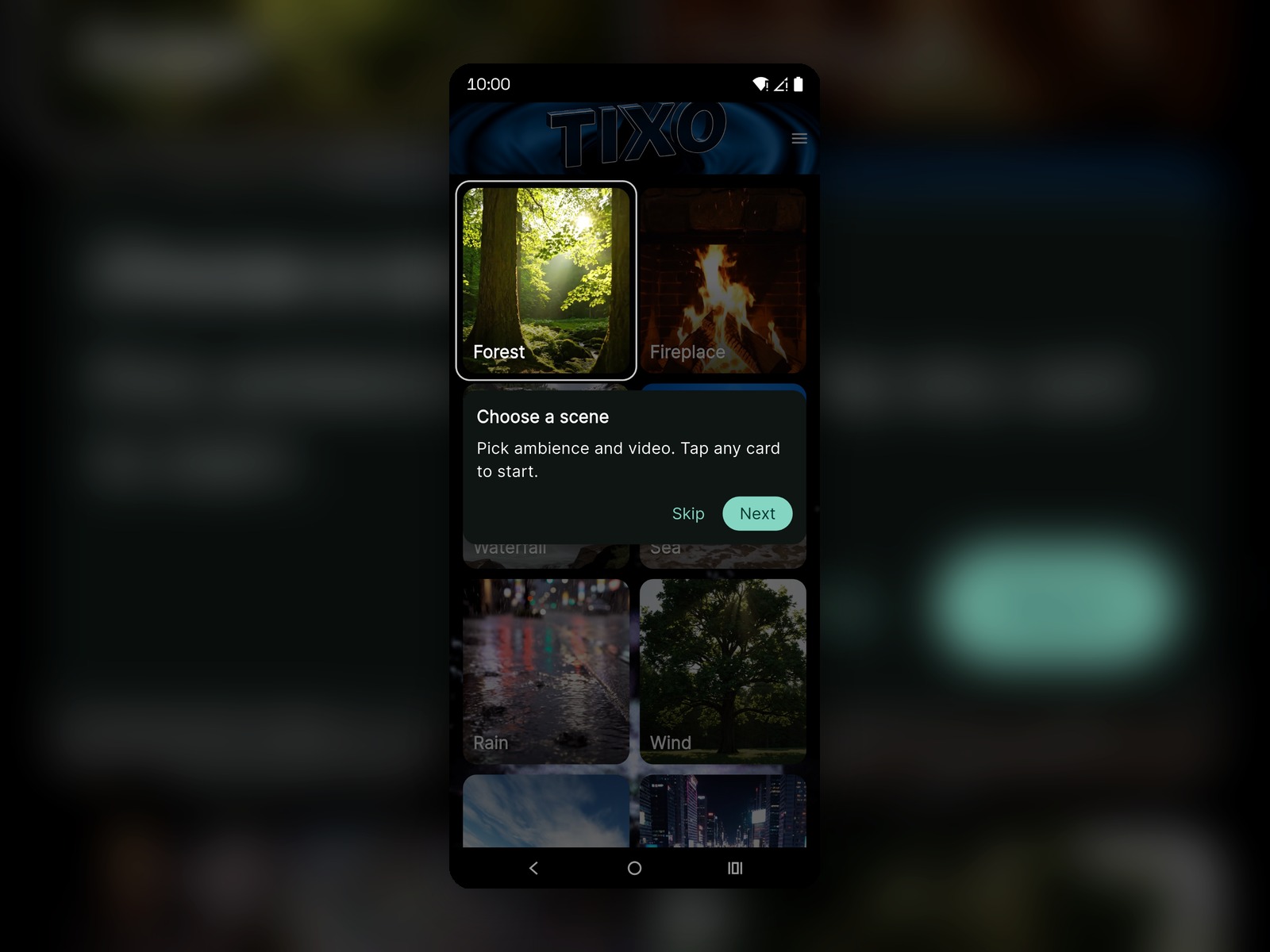
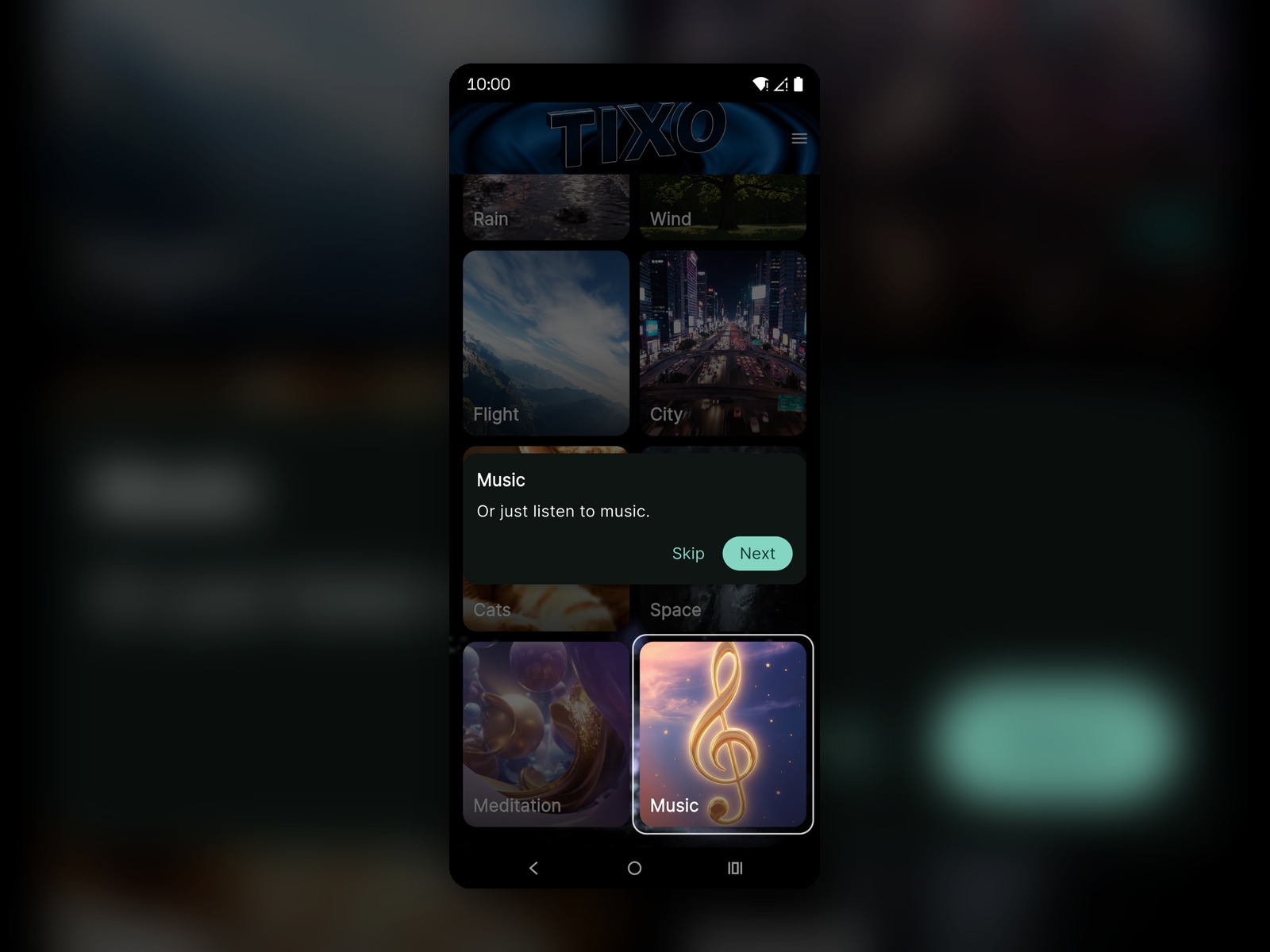
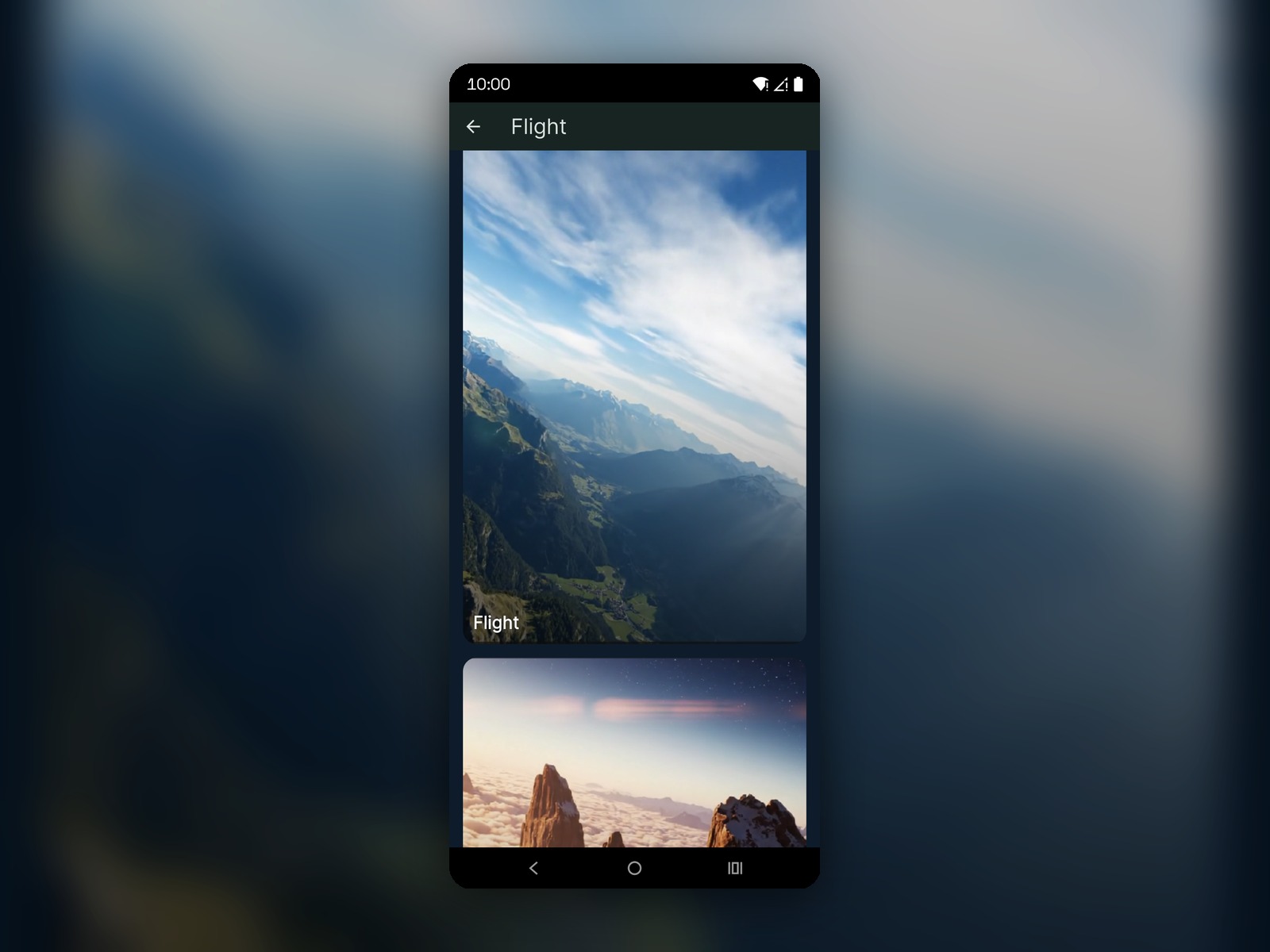
TIXO — escenas ambient y reproductor de música

App de relajación y ambiente con escenas (fondos de vídeo), reproductor de música integrado y temporizador de sesión.

Google PlayReproducción multimediaTemporizadorUI/UX

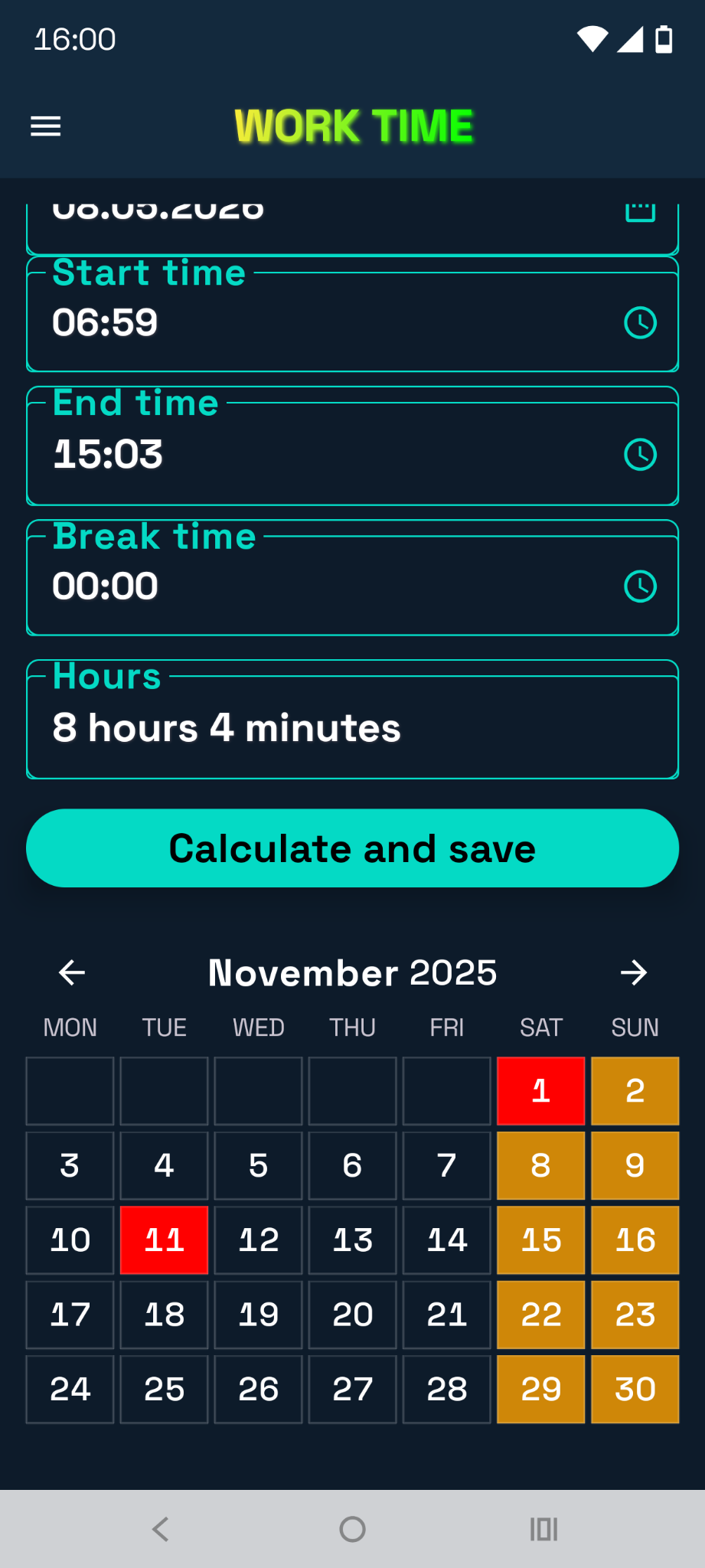
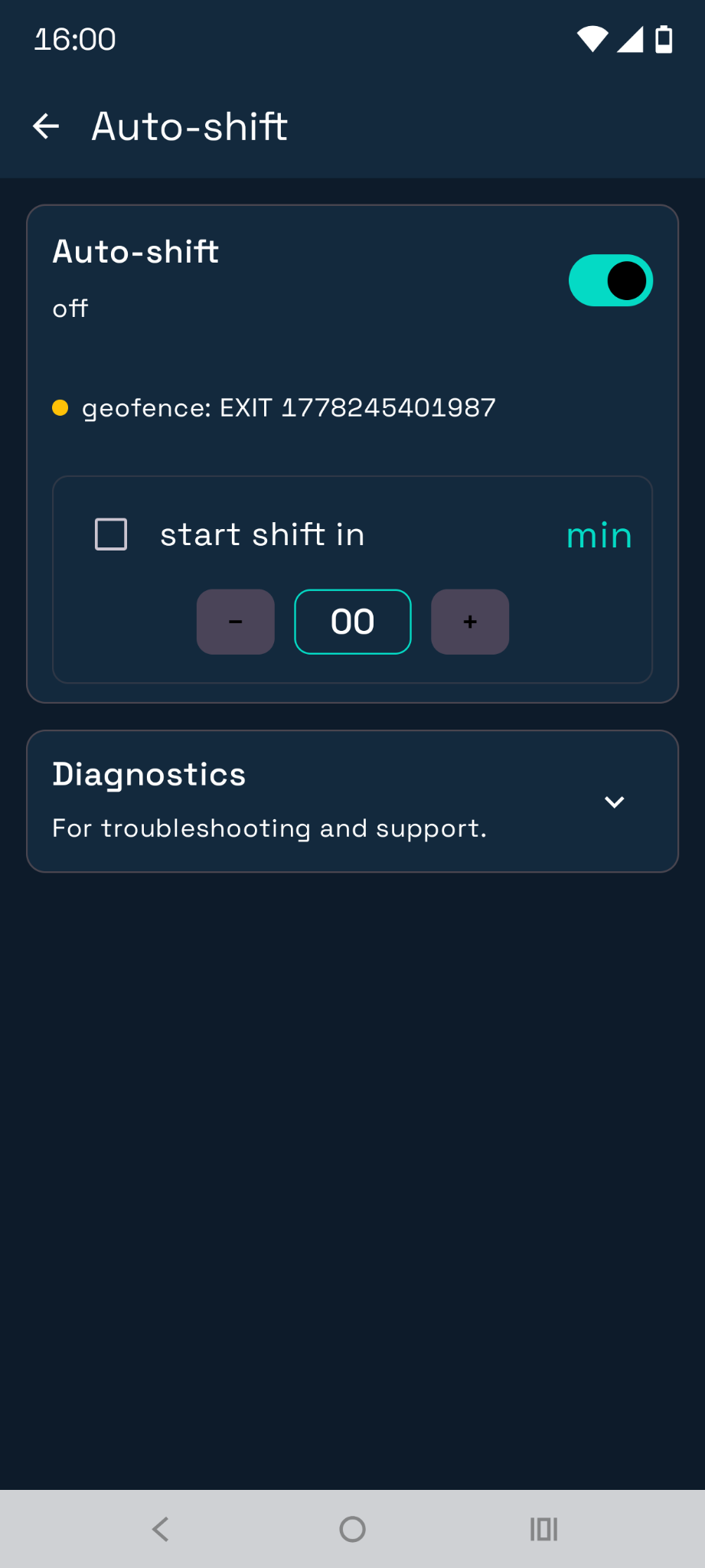
Work Time — seguimiento de turnos y cálculos

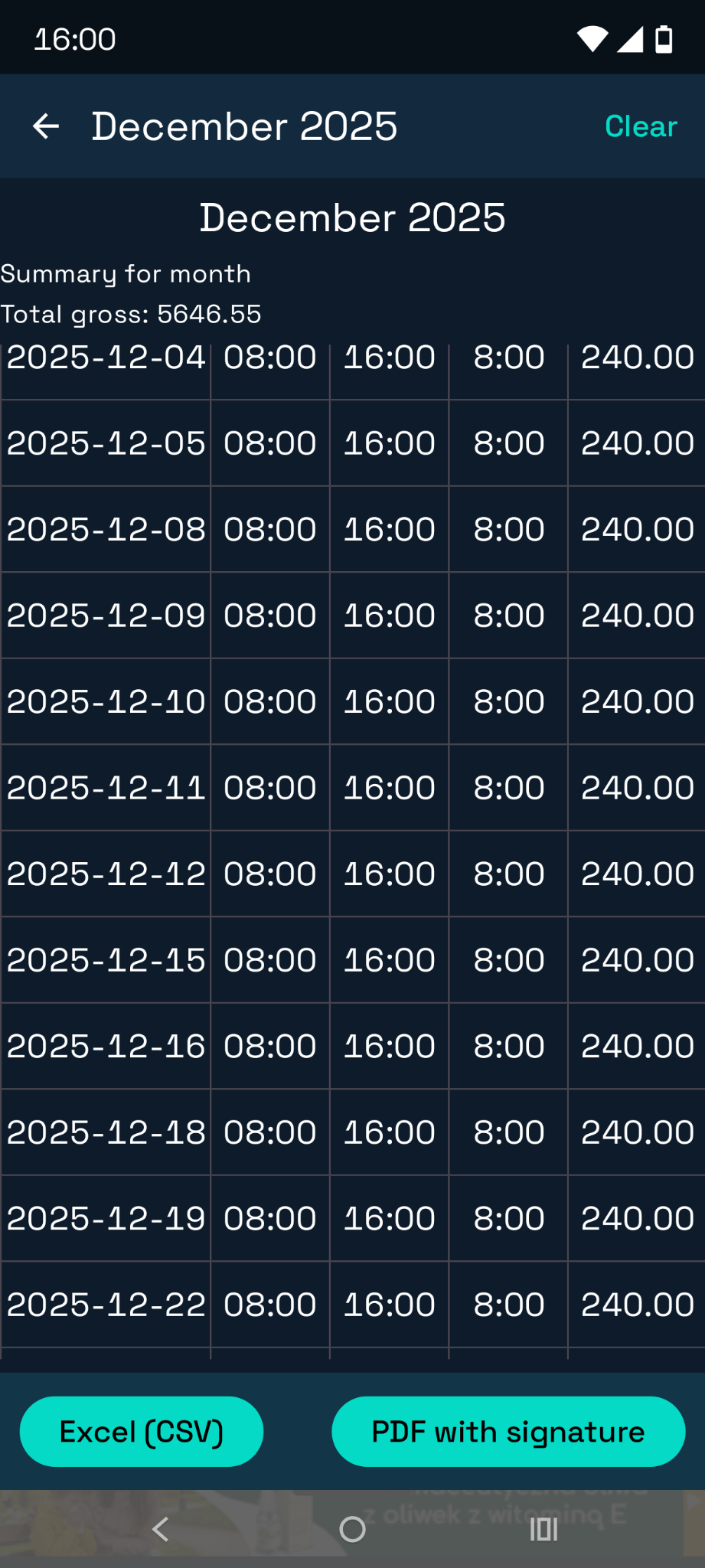
App de registro de turnos: calendario, historial, cálculo de horas y calculadoras relacionadas con el pago.

KotlinJetpack ComposeMVVMCoroutinesFlow
  • Registro de turnos (inicio/fin/descanso) con cálculo automático de horas
  • Calendario mensual y edición de entradas
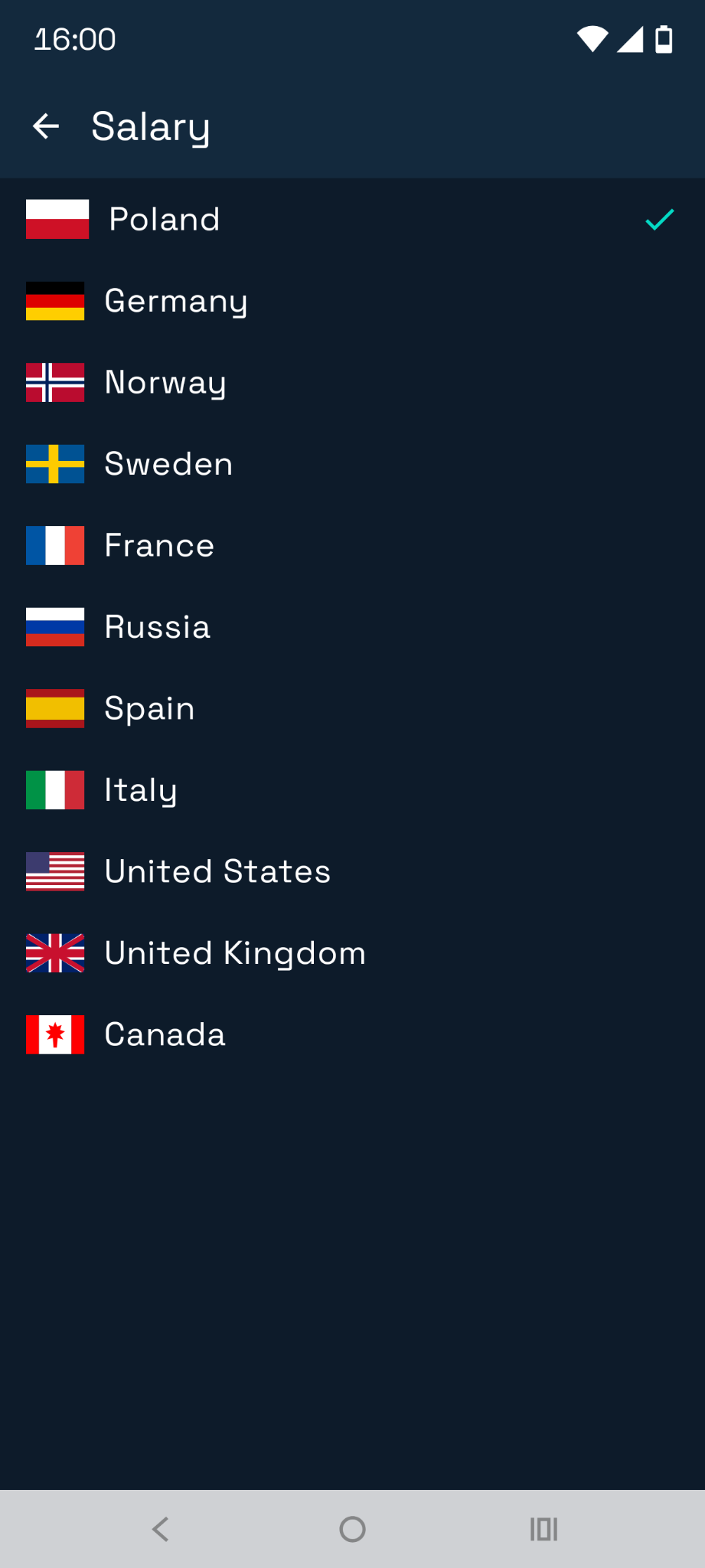
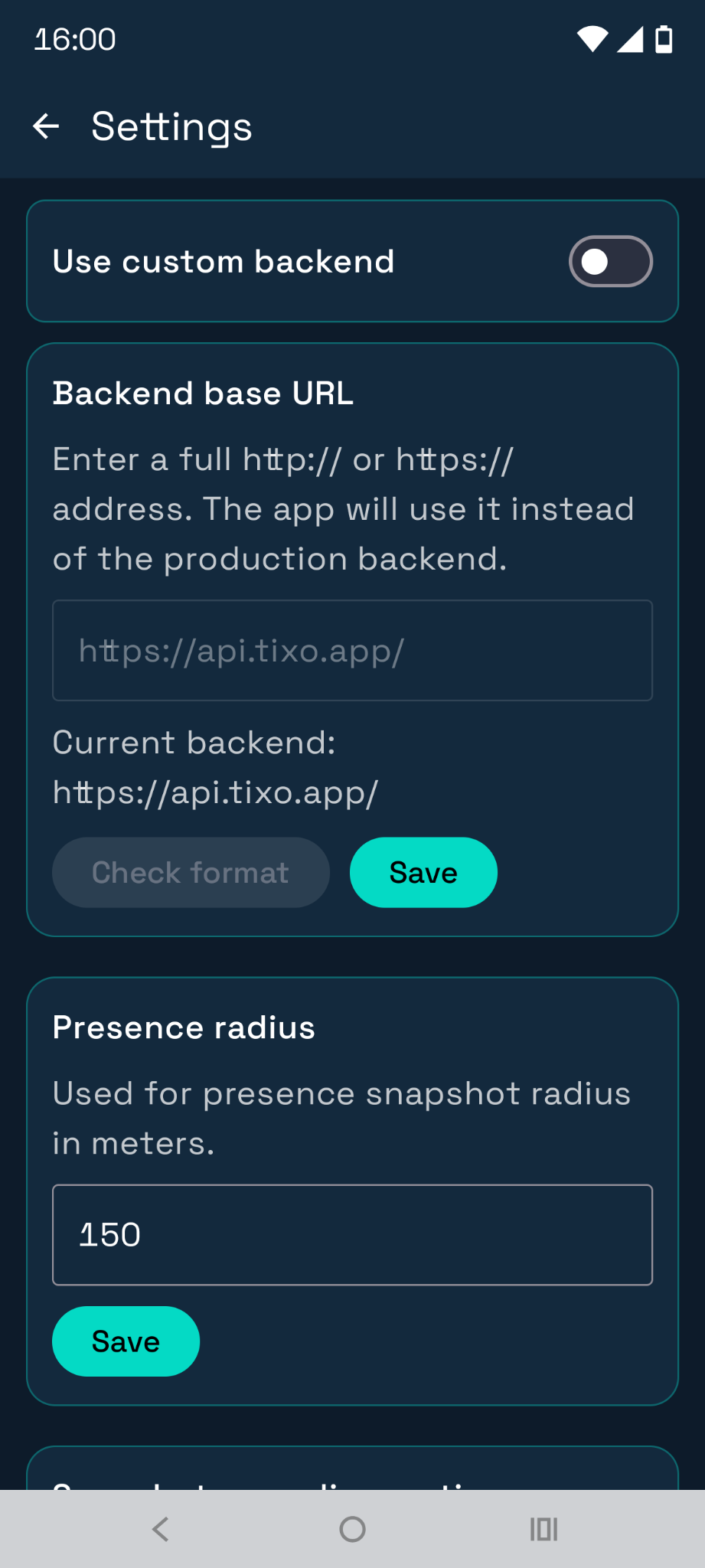
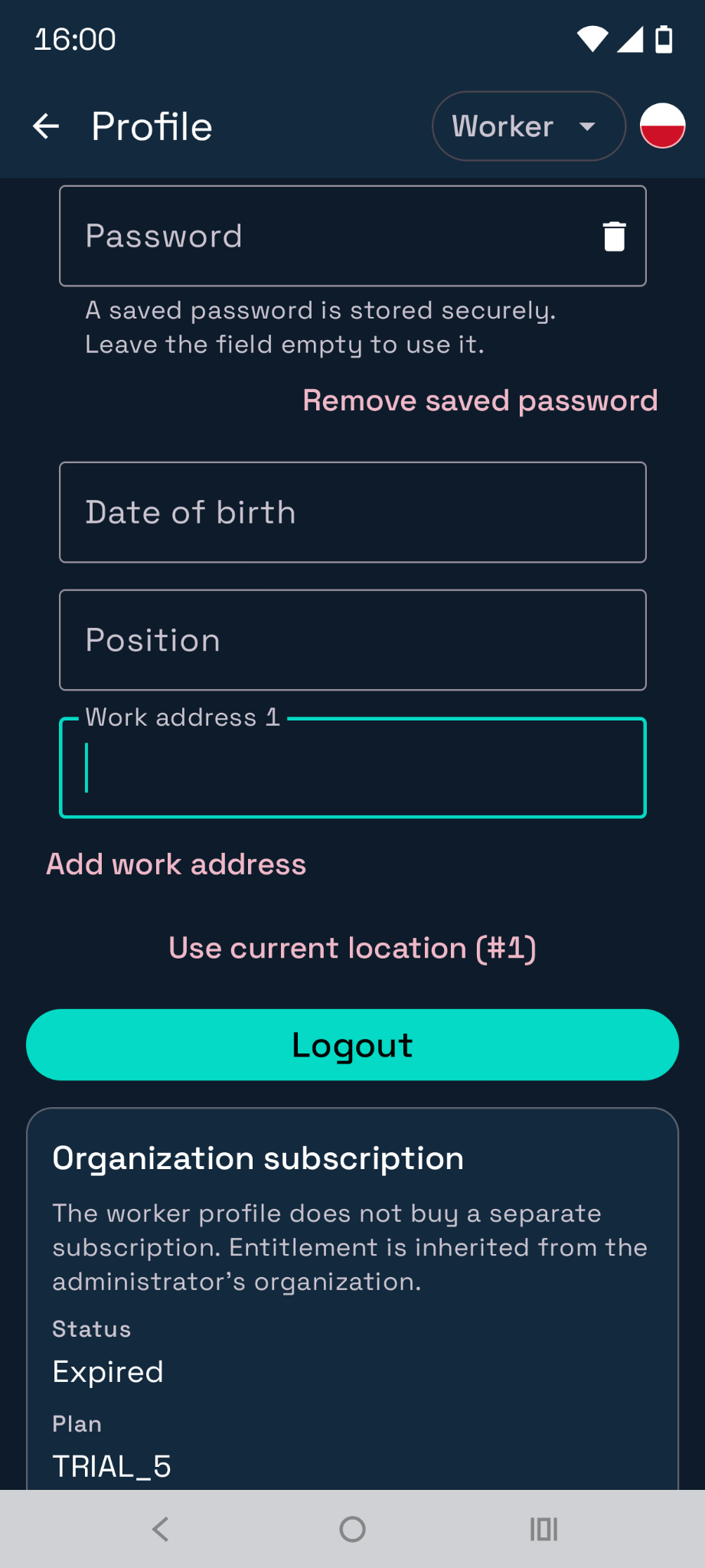
  • Calculadoras (neto/bruto), ajustes, perfil y guía integrada
Work Time preview

Nobel Tower — sistema de gestión de mantenimiento del edificio

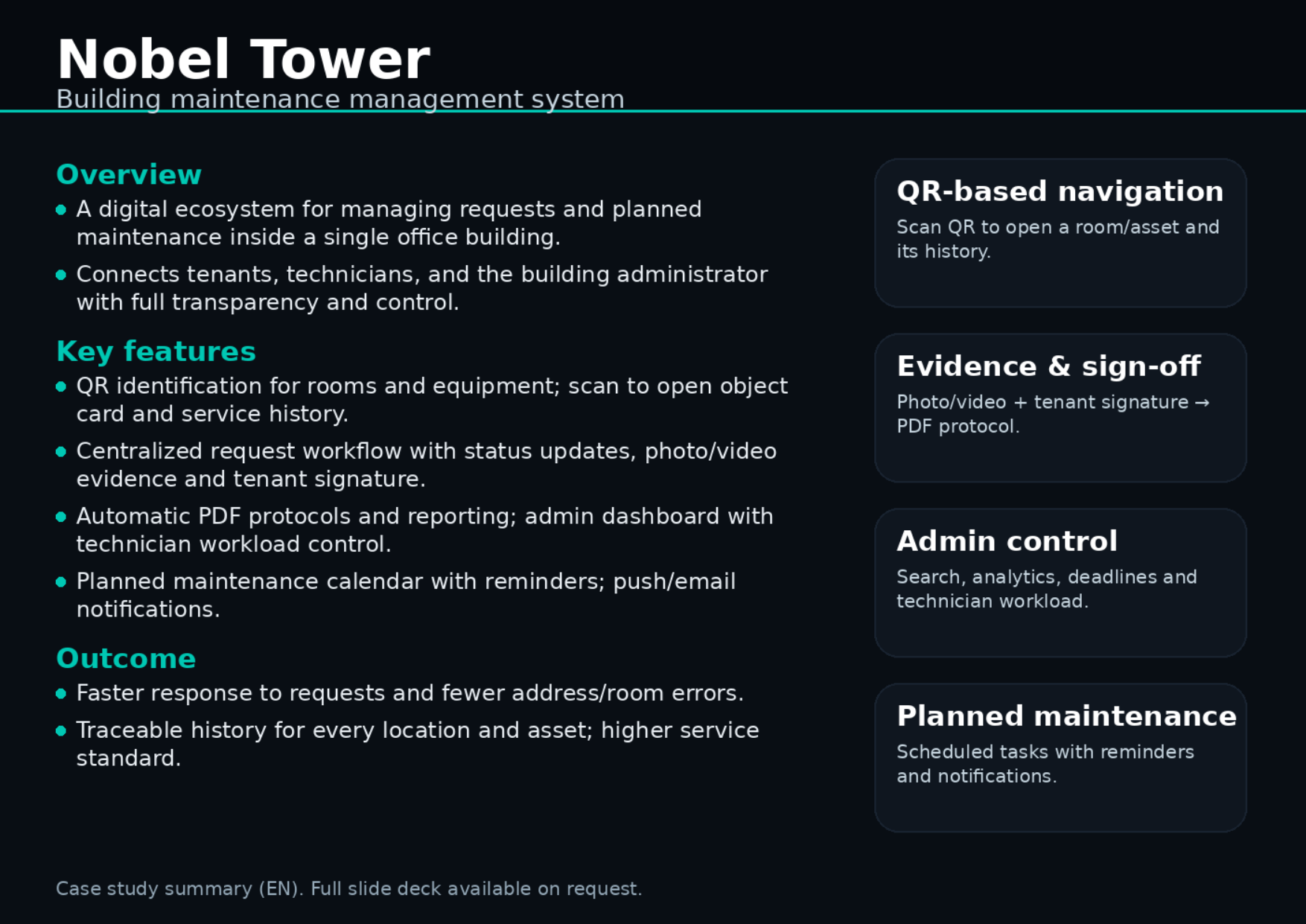
Ecosistema para gestionar solicitudes y mantenimiento planificado en un edificio de oficinas con flujos transparentes para inquilinos, técnicos y admins.

Navegación QRFlujo de solicitudesEvidencia foto/vídeoProtocolos PDFNotificaciones
  • Identificación por QR de salas/equipos con historial
  • Solicitudes con estados, evidencia foto/vídeo y firma del inquilino
  • Protocolos/ informes PDF y panel de administración
  • Mantenimiento planificado: calendario, recordatorios, push/e-mail
Nobel Tower preview

local-meet-translator

Self-hosted prototype for near real-time translation of web calls (Google Meet / Zoom Web / Teams Web).

Chrome/Edge Extension (MV3)Java 21 Local BridgeOpenAI STT & TTSlocalhost token

The OpenAI key is not stored in the extension: all requests go through a localhost bridge service protected by a token.

Detalles
Key idea
  • The OpenAI API key is stored only locally (.env on the PC).
  • The browser extension uses only a local token (X-Auth-Token), not the OpenAI key.
Tech stack
  • Extension: JavaScript/HTML/CSS, Chrome Extensions MV3 (tabCapture, getUserMedia, offscreen, content_script).
  • Local Bridge: Java 21, HttpServer/HttpClient (JDK), Jackson, Maven (shade-plugin), PowerShell/Batch startup.
Incoming translation (subtitles)
  • tabCapture → MediaRecorder chunks (OGG/Opus preferred).
  • POST /transcribe-and-translate → OpenAI STT (whisper-1) → translation via /v1/responses (gpt-4o-mini, temperature=0).
  • Overlay subtitles on top of the call page (content_script).
Outgoing voice translation (TTS)
  • Microphone via getUserMedia → chunks → transcribe/translate.
  • POST /tts → OpenAI TTS (/v1/audio/speech, gpt-4o-mini-tts, mp3).
  • Play back into a virtual audio cable (e.g., VB-Audio Virtual Cable) so Meet can use it as a microphone.
Safeguards
  • VAD / silence threshold (RMS): silent chunks are not sent for ASR.
  • Mute mic during TTS: mic chunks are ignored while TTS is playing.
  • Text deduplication: similar ASR outputs within a short window are skipped.
Local API (127.0.0.1)
  • Requires X-Auth-Token == LOCAL_MEET_TRANSLATOR_TOKEN.
  • GET /health, POST /translate-text, POST /transcribe-and-translate, POST /tts (ENABLE_TTS=true).
Configuration (env)
  • OPENAI_API_KEY, LOCAL_MEET_TRANSLATOR_PORT (8799), LOCAL_MEET_TRANSLATOR_TOKEN.
  • OPENAI_TRANSCRIBE_MODEL (whisper-1), OPENAI_TEXT_MODEL (gpt-4o-mini).
  • ENABLE_TTS, OPENAI_TTS_MODEL (gpt-4o-mini-tts).